Why Aviation Photographers Should Use the Exposure Slider Last, Not First
May 11, 2026
The Exposure slider is useful, but it is also one of the easiest ways to make an aviation edit feel out of control. Because it affects the whole image, and can therefore brighten or darken areas that did not need changing in the first place.
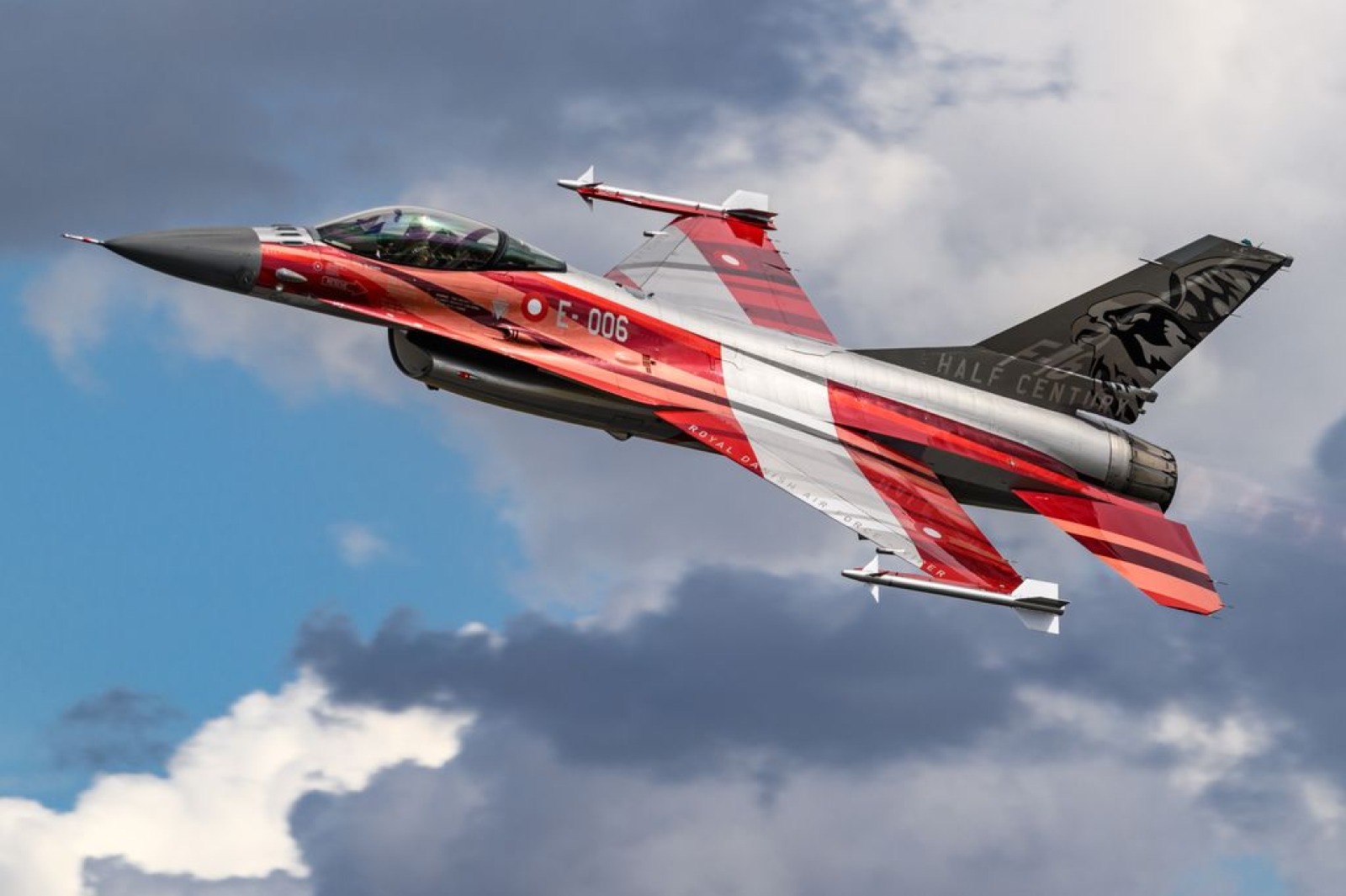
Aviation files often contain a difficult mix of tones. A white fuselage may already be close to clipping, while the underside of the aircraft is too dark. The sky may need darkening down, while the livery needs enough brightness to hold colour. One broad Exposure move rarely solves all of that well enough.
Start with the tonal range…
Before moving Exposure, look at the specific problem. If the aircraft highlights are too bright, start with Highlights. If the shadowed underside needs more detail, lift the Shadows a little. If the brightest parts of the aircraft need a little more life, adjust the Whites with care. If the image lacks depth, set the Blacks gently to give the file an anchor.
This approach gives you more control because you are shaping different parts of the tonal range separatel.
Why this helps aircraft…
Aircraft have surfaces that will easily show up editing ‘mistakes’. Fuselage whites can become blown, canopy highlights can go harsh, polished metal can lose definition, and shadowed areas can become muddy if they are lifted too aggressively. Using the tonal sliders before Exposure helps protect those delicate areas.
Once Highlights, Shadows, Whites and Blacks are in a sensible place, the Exposure slider becomes a fine-tuning tool rather than a rescue button. A small final adjustment can then set the overall brightness without dragging the whole file around wildly.
A simple editing habit…
Try this on your next RAW file. Before touching Exposure, spend a few moments adjusting Highlights, Shadows, Whites and Blacks. Then compare that version to one where you started with Exposure. In many aviation images, the second approach will feel flatter or less controlled, even if the overall brightness is similar.
Editing is rarely about finding the magic slider. It is about knowing what each part of the image needs and making the smallest useful move.
Inside COAP Online, we go deeper on tonal control for aircraft, including highlight protection, shadow recovery and how to build a clean base before colour and detail work. The Merge post expands this with a step-by-step Lightroom exercise for learning when Exposure should, and should not, move. Explore COAP Online with a free trial at www.coaponline.com.
Did you know our blogs are written exclusively by photographers inside the Accelerator? We'd love for you to come and see what COAP Online is all about.
Not yet part of the Aviation Photography Accelerator?
Start this month for £19
Every month the whole community locks onto one Focus Subject and learns it live with our pro instructors. You also get instant access to everything we have ever made: 30+ workshop replays, 150+ tutorials, four pro masterclasses, and The Merge, our private community of 500+ aviation photographers.
Cancel any time. 30-day money-back guarantee.

Included with the Accelerator
Exclusive gear discounts at Clifton Cameras
Everyone inside the Accelerator qualifies for exclusive pricing on cameras, lenses and accessories through our retail partner, Clifton Cameras. The saving on a single purchase can cover several months of the Accelerator.
Discounts available across









Get a free tutorial to your inbox every week!
Subscribe to our mailing list to receive a fantastic aviation photography tutorial to your inbox every Tuesday!
We hate spam as much as you. We will never sell your information, for any reason.