How Lightroom Calibration Can Help Flat Aviation RAW Files
Jun 01, 2026
The Calibration panel in Lightroom is easy to overlook. It is found near the bottom of the Develop panel and looks less inviting than the tools most photographers use every day, such as Basic, HSL, Masking and Detail.
For aviation photography, though, Calibration can be useful when a RAW file is technically sound but feels a little flat.
Why aviation RAW files often need help
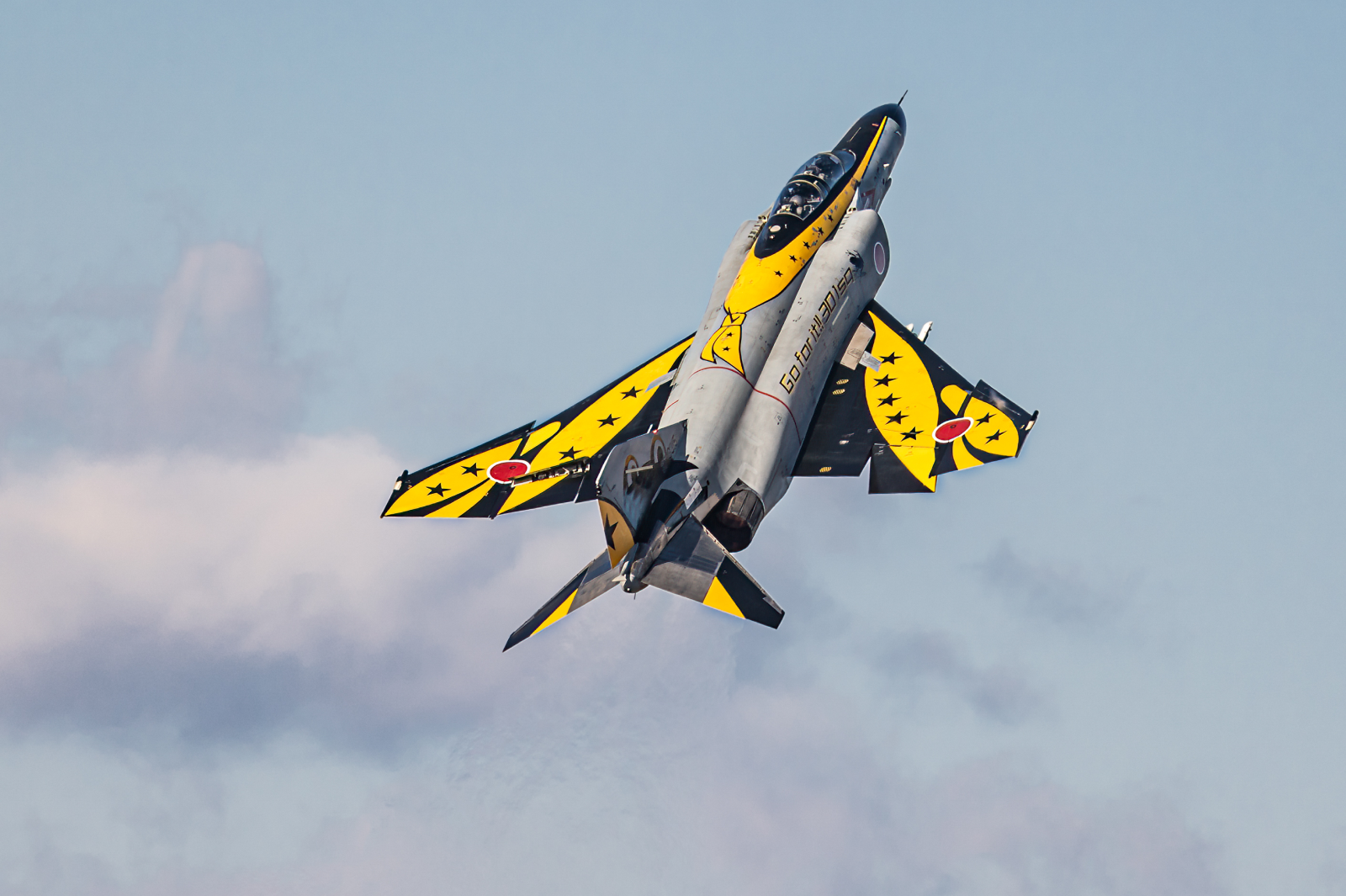
Aviation photographers often have to work with backlight, high cloud, grey skies, distance and long lenses. Add in haze or a pale background, and even a sharp, well-exposed aircraft can look thin when opened in Lightroom.
The usual reaction is to push Contrast, Saturation or Dehaze. Those sliders can work, but they can also create gritty skies, harsh aircraft edges and livery colours that no longer feel right.
The Calibration panel can sometimes give the file a cleaner colour base before the stronger tools are needed.
Start gently with Blue Primary Saturation
For many aviation files, Blue Primary Saturation is the best place to start. A small increase can add a little richness and separation without the blunt effect of global Saturation.
This does not only affect blue areas, so the whole image needs watching. The aircraft, not the sky, should decide whether the adjustment is helping.
After a small move, toggle the change off and on. The file should feel slightly fuller, not obviously graded.
Keep the aircraft realistic
Calibration affects colour relationships at a deeper level, so it can go wrong quickly. Grey jets can drift cyan. White fuselages can pick up colour casts. Liveries can shift away from their real paint colours.
A good Calibration adjustment should be almost invisible. The image should feel better, but the viewer should not notice the trick.
Use it after the main light and white balance are close, then refine with HSL or masks where needed. Calibration is not a replacement for the rest of the edit, nor something that should be done for the sake of it. It is simply another way to improve the base of a flat aviation file before you start making bigger decisions.
To go deeper, COAP Online covers colour foundations in Lightroom using real aviation images, including Calibration, HSL, white balance and masking. The Merge post expands this with a practical workflow for deciding when Calibration is worth using and when to leave it alone. Explore COAP Online with a free trial at www.coaponline.com.
Did you know our blogs are written exclusively by photographers inside the Accelerator? We'd love for you to come and see what COAP Online is all about.
Not yet part of the Aviation Photography Accelerator?
Start this month for £19
Every month the whole community locks onto one Focus Subject and learns it live with our pro instructors. You also get instant access to everything we have ever made: 30+ workshop replays, 150+ tutorials, four pro masterclasses, and The Merge, our private community of 500+ aviation photographers.
Cancel any time. 30-day money-back guarantee.

Included with the Accelerator
Exclusive gear discounts at Clifton Cameras
Everyone inside the Accelerator qualifies for exclusive pricing on cameras, lenses and accessories through our retail partner, Clifton Cameras. The saving on a single purchase can cover several months of the Accelerator.
Discounts available across









Get a free tutorial to your inbox every week!
Subscribe to our mailing list to receive a fantastic aviation photography tutorial to your inbox every Tuesday!
We hate spam as much as you. We will never sell your information, for any reason.