How To Find And Fix Dust Spots In Aviation Images
Aug 03, 2026
Dust spots are a common issue in aviation photography because aircraft are often photographed against plain skies.
Blue sky, grey cloud, and smooth sunsets can reveal sensor dust all too easily. These marks may be subtle at first, but editing without checking closely can make them even more obvious!
Why aviation photos show dust spots
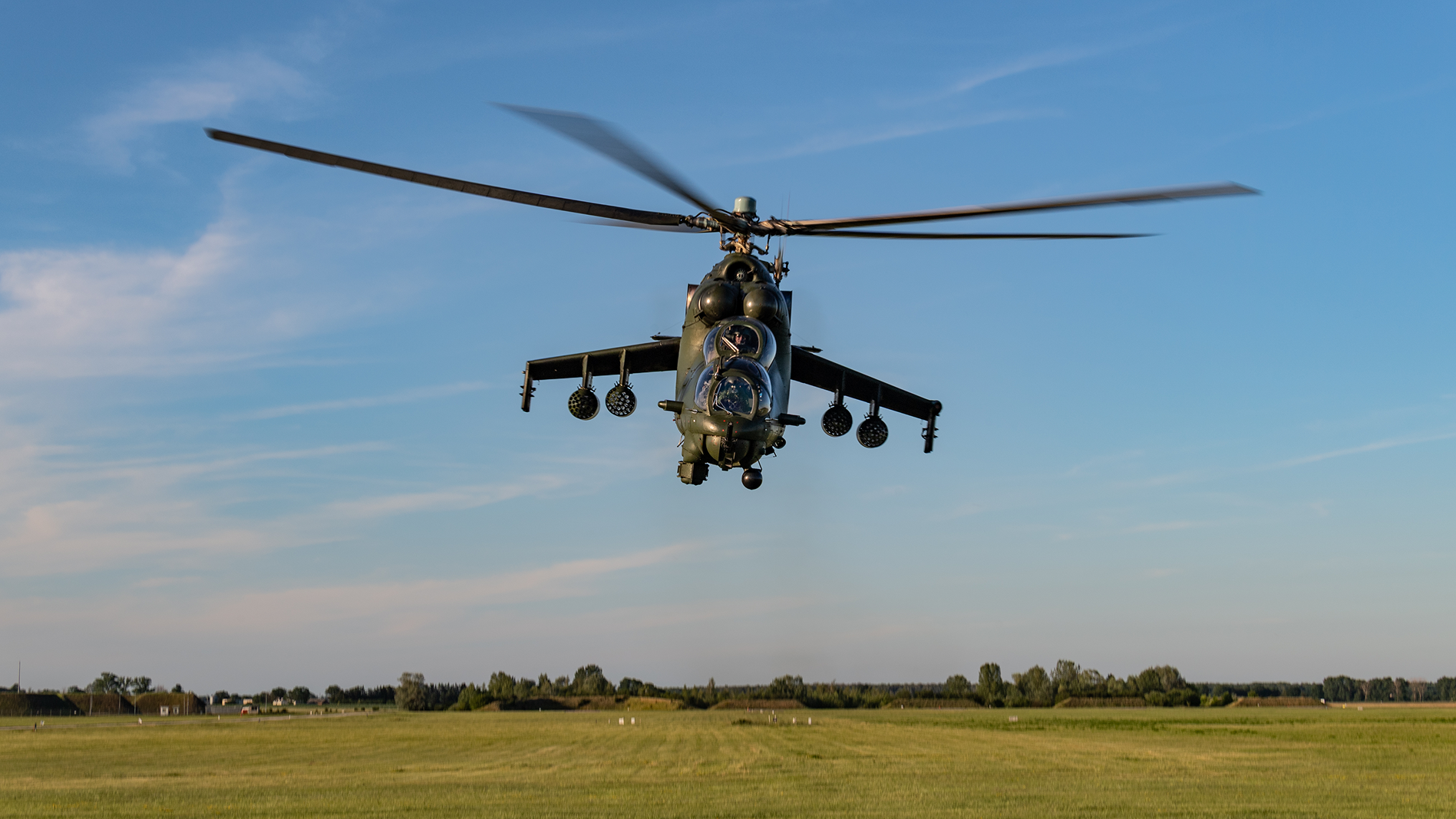
A dust spot is usually most visible in smooth areas of tone. Aviation images often include large areas of sky, which makes them easy to spot.
Stopping down to smaller apertures can make dust marks more defined, so they may be especially noticeable in bright conditions or when using slower shutter speeds, and therefore super prevalent with rotor blades or prop-driven aircraft.
Check after the main edit
Dust spots often become more visible after contrast, Dehaze, sky masks or tonal adjustments are applied. That is why it helps to double check for them near the end of the edit - not just at the start.
Temporarily stop looking at the aircraft and scan the sky slowly. Look for small, soft, round marks or repeated spots across similar images.
Use the healing tool carefully
In Lightroom, use the healing or remove tool with a brush slightly larger than the dust spot. Check the sample area Lightroom chooses, especially if the sky has cloud, smoke or a gradient.
A poor sample can create a visible patch, which may be more distracting than the original dust mark.
Batch edits with care
If the same dust appears across a whole sequence, syncing the correction can save time. But check each image afterwards because the sample area may land on the aircraft, smoke, cloud or another important detail.
Dust removal is a small finishing step, but it makes aviation images feel cleaner and more professional.
There’s also a very good AI-powered tool in LR that finds and fixes dust very well, and is getting better all the time… But still needs a sensibility check at the end of the edit.
Inside COAP Online, we cover Lightroom finishing touches and export checks in depth. The Merge post for this Tutorial Tuesday gives members a practical dust-spot workflow for airshow sets and sky-heavy images. You can explore COAP Online with a free trial at www.coaponline.com.
Did you know our blogs are written exclusively by photographers inside the Accelerator? We'd love for you to come and see what COAP Online is all about.
Not yet part of the Aviation Photography Accelerator?
Start this month for £19
Every month the whole community locks onto one Focus Subject and learns it live with our pro instructors. You also get instant access to everything we have ever made: 30+ workshop replays, 150+ tutorials, four pro masterclasses, and The Merge, our private community of 500+ aviation photographers.
Cancel any time. 30-day money-back guarantee.

Included with the Accelerator
Exclusive gear discounts at Clifton Cameras
Everyone inside the Accelerator qualifies for exclusive pricing on cameras, lenses and accessories through our retail partner, Clifton Cameras. The saving on a single purchase can cover several months of the Accelerator.
Discounts available across









Get a free tutorial to your inbox every week!
Subscribe to our mailing list to receive a fantastic aviation photography tutorial to your inbox every Tuesday!
We hate spam as much as you. We will never sell your information, for any reason.