How To Check The Colour In Your Aviation Photos
Oct 20, 2026
You may have seen it yourself… Near the end of an edit there's often a point where the colour looks great to you, but slightly odd to everyone else. Sound familiar?
You've been looking at the same image for forty minutes. Your eyes have got used to it, the sky that looked right at the start now seems a bit flat, so you push it again. A lot of over-cooked aviation photographs go that way - just a step too far - in the last few minutes or so of the edit.
Entries for High Roller, our aviation photography competition, close on Saturday 31 October. So this week's Tutorial Tuesday is a colour check you can run on every shot before you upload it - even if you’re entering one shot, ten shots, or none! It’s useful stuff. It only takes a few minutes per image, plus works in whatever editing software you use.
Colour Balance is important any stage of the edit. In terms of High Roller, it is actually one of the 10x criteria the judges score, and the way the rules describe it is useful. The judges are looking at whether the colours and tones work together to support the image, and they accept that a deliberate lack of harmony can be used for effect. So clashing colour can score, as long as it's clearly on purpose. Colour that's just ended up wherever the sliders left it is what costs you… And that applies to your images whether they are being critiqued by a judge, or looked at by a casual viewer.
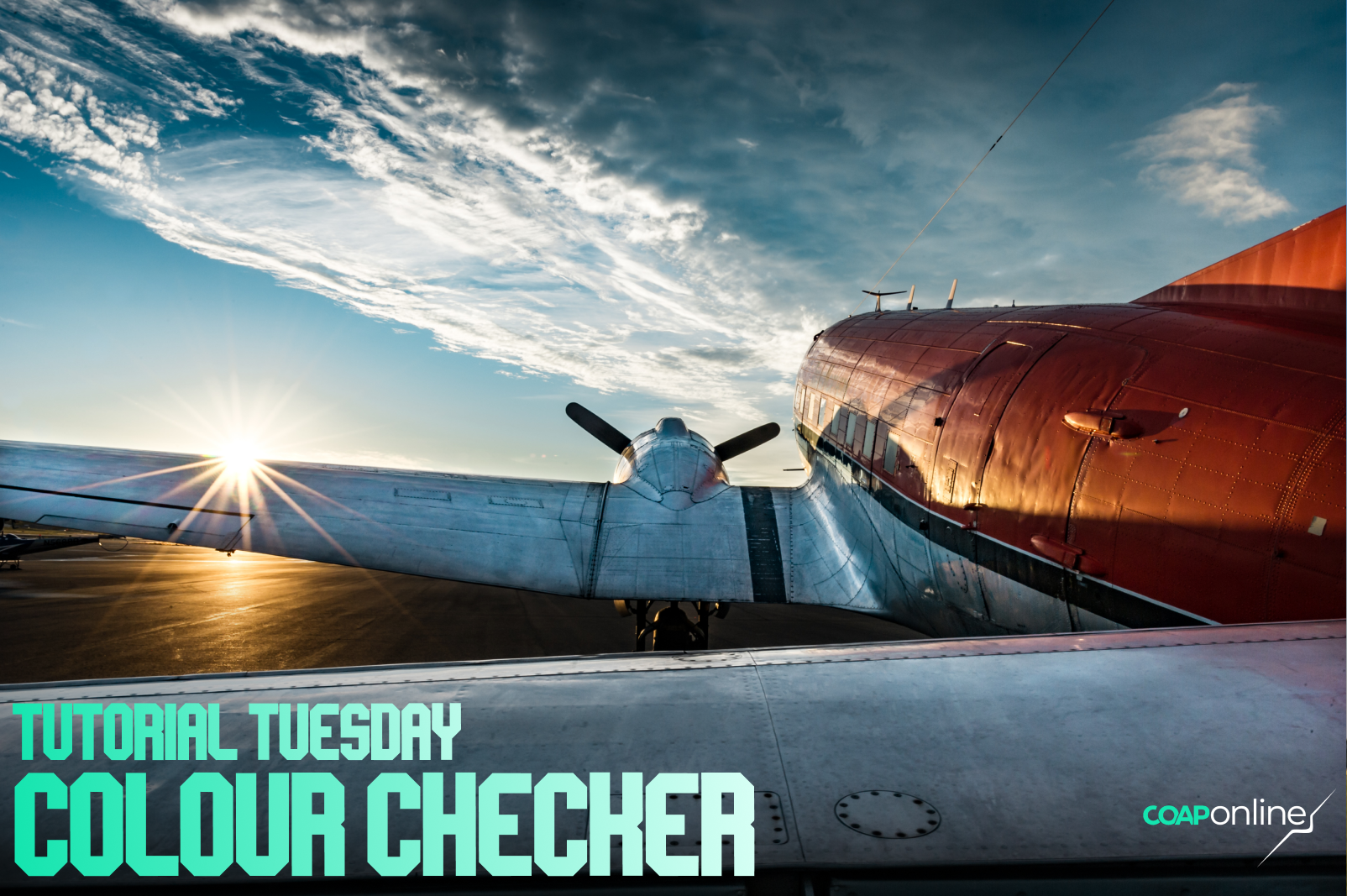
Let’s look at six ways to cross-check your colours…
1. Rest your eyes
Walk away from the edit for ten minutes, or better, come back to it the next morning. Your eyes adjust to whatever colour they've been looking at, and a fresh look is the quickest way to spot a sky that's gone too blue or a grey airframe that's turned purple. Lighting in the room and time of day is more important than you might think.
2. Find something neutral
Most aviation images have something in them that should be white or grey: a grey airframe, white runway markings, white smoke, a pilot's helmet, tarmac. Check that it doesn't have a colour cast. A lot of military greys are close to neutral, so the white balance dropper on an evenly lit grey panel is a good place to start. Some greys lean slightly blue or green though, so finish by eye.
3. Look at it small
Shrink the image down to thumbnail size, or stand back from the screen - even send it to your phone - and notice which colour you see first. If it isn't on the aircraft or part of the movement, it's stealing attention. The usual suspects are hi-vis vests, red cones, a bright green field and the odd blue portaloo at the edge of the shot. Reduce the saturation, crop them out, or for something small like a cone, remove it. Minor object removal is allowed in High Roller.
4. Come at saturation from below
Drop the saturation further than feels comfortable, then bring it back up slowly and stop the moment the image looks right. Coming at it from a lower value, you'll nearly always stop at a lower setting than if you'd kept pushing up from where you were. It's a good way to catch colour you've overdone.
5. Check the colour matches the light
If the aircraft is lit by warm evening light, the ground and the sky should show some of that warmth too. A warm aircraft against a cold, neutral sky looks like a cut-out sticker. The judges call this congruence, meaning every part of the image working together, and it sits over all ten of their scores.
6. Export it properly
Export as a JPEG in the sRGB colour space. A file exported in Adobe RGB or ProPhoto RGB can look flat and washed out in a web browser, and the bright, punchy colour you saw in your editor doesn't come through. For High Roller, the longest edge needs to be at least 3,000 pixels, the file no bigger than 30 MB, and the EXIF data left in. Leave off any name, signature or watermark too, as judging is blind. Perhaps send it to your phone and look at it there before you upload.
What the judges will see
If your shot makes the shortlist, you'll be asked for the original file, and the judges compare the two. The rules put it like this: a judge comparing your original file to your entry should see the same photograph, better finished. White balance, colour and toning are all fine. Keep it believable and you've got nothing to worry about.
Enter High Roller
The theme is Movement, with seven categories to enter: Panning, Prop & Rotor, The Elements, People, Composition, Trails and Interpretation. Each category has its own winner printed in the January 2027 issue of Combat Aircraft Journal, and the overall winner gets £2,000 of new camera gear from Clifton Cameras (or $2,000 in cash outside the UK) and a double-page spread of their own.
You can enter any aircraft photograph you've taken since 12 October 2023, on any camera, and it's open to photographers aged 18 or over in the UK, the EU, Norway, Switzerland, the US, Canada, Japan, Australia, New Zealand and South Africa. Entries close on Saturday 31 October at 23:59 GMT. If you registered for The Free 3-Day Workshop, your free entry is waiting in an email from Kōlab.
See the brief, the categories and the judges here: www.coaponline.com/competition
Inside COAP Online, the full version of this check is in The Merge, with the exact Lightroom settings and a checklist for each of the seven categories. The High Roller Pack includes The Merge and three entries every month, and you'll find it on the competition page.
Did you know our blogs are written exclusively by photographers inside the Accelerator? We'd love for you to come and see what COAP Online is all about.
Not yet part of the Aviation Photography Accelerator?
Start this month for £19
Every month the whole community locks onto one Focus Subject and learns it live with our pro instructors. You also get instant access to everything we have ever made: 30+ workshop replays, 150+ tutorials, four pro masterclasses, and The Merge, our private community of 500+ aviation photographers.
Cancel any time. 30-day money-back guarantee.

Included with the Accelerator
Exclusive gear discounts at Clifton Cameras
Everyone inside the Accelerator qualifies for exclusive pricing on cameras, lenses and accessories through our retail partner, Clifton Cameras. The saving on a single purchase can cover several months of the Accelerator.
Discounts available across









Get a free tutorial to your inbox every week!
Subscribe to our mailing list to receive a fantastic aviation photography tutorial to your inbox every Tuesday!
We hate spam as much as you. We will never sell your information, for any reason.