How To Get Consistent Colour Across Your Aviation Photos
Oct 27, 2026
You might recognise this one…
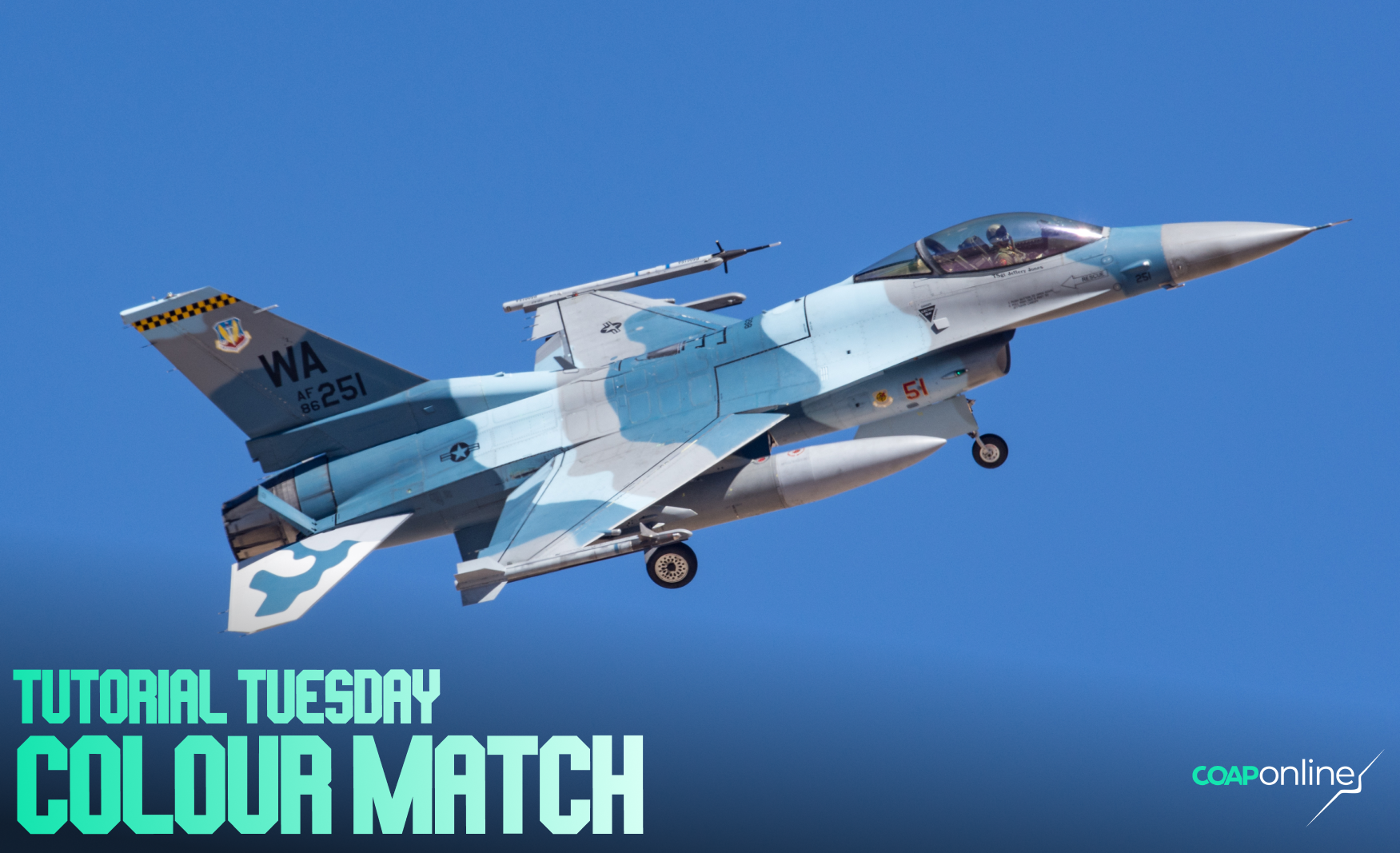
You pick out your favourite shots from an airshow, put them side by side, and they look like they came from three different days. One sky is deep blue, the next is closer to cyan, and the grey jet that looked neutral in one shot has a purple tinge in the next.
Each one looked fine on its own. It's only when they sit together, on an Instagram grid, a calendar page, a photo book or a camera club panel, that the differences jump out. With Christmas on the way, plenty of people are putting a calendar or a book together right now, so it's a good week to get on top of it.
Let's look at where the mismatch comes from, how to fix it in the edit, and how to avoid it next time…
1. Why a set changes
Auto white balance is the usual culprit. The camera picks a new white balance for every shot, and it's easily pushed around by whatever fills the viewfinder. A big patch of blue sky, a grey cloud or a bright yellow aircraft can each send it a different way, so two shots taken seconds apart can come out noticeably warmer or cooler than each other. On top of that, the light changes through the day, two camera bodies render colour slightly differently, and most of us edit each photo on its own, sometimes weeks apart.
2. Start every shot on the same profile
The profile at the top of the Basic panel in Lightroom sets the starting colour for everything else. If some shots are on Adobe Color, some on a Camera Matching profile and a few on an old preset, they'll never quite match whatever you do with the sliders. Pick one and put the whole set on it. If you shoot with two different makes of camera, Adobe Color is a sensible common starting point.
3. Edit one shot first
Choose the strongest shot in the set and edit it properly. That one becomes your anchor, and everything else gets matched to it. It's much quicker than editing ten shots separately and then trying to make them agree.
4. Copy the colour, not everything
Copy the anchor's colour settings across the rest of the set: the profile, white balance, vibrance and saturation, and any Color Mixer or Color Grading moves. Leave exposure, crop and masks alone, as those are different for every shot. If the light changed between shots, leave white balance out too and match it by eye in the next step.
5. Match them side by side
Put the anchor next to each shot in turn and compare the two things people notice first: the sky and anything grey. If one sky is bluer than the other, nudge Temp. If a grey airframe has gone green or purple, nudge Tint. Lightroom Classic's Reference View (Shift+R in the Develop module) is made for this, with your anchor on the left and the shot you're editing on the right.
6. Keep the time of day
If you correct a golden hour shot until it matches a midday one, you lose the reason it's in the set. Group your shots by light (morning, midday, evening), match them within each group, and let the warmth change between the groups. What should stay the same across all of them is the treatment: the same profile, a similar level of saturation, and greys that look grey in their own light.
7. Look at them all together
Shrink the whole set down to thumbnails and look at it as one. The shot that doesn't belong usually jumps out straight away, and it's often one you edited on a different day or with a different profile.
Next time, start in the same place
Set your white balance to Daylight (around 5200K) on a sunny day, or Cloudy when it's overcast, instead of Auto. If you shoot raw you can still change it later, but every shot starts from the same place and matching becomes far easier. If you use two bodies, give them the same colour style settings, and set both clocks to the same time so the shots sort in order when you import them.
Enter High Roller
The theme is Movement, with seven categories to enter: Panning, Prop & Rotor, The Elements, People, Composition, Trails and Interpretation. Each category has its own winner printed in the January 2027 issue of Combat Aircraft Journal, and the overall winner gets £2,000 of new camera gear from Clifton Cameras (or $2,000 in cash outside the UK) and a double-page spread of their own.
You can enter any aircraft photograph you've taken since 12 October 2023, on any camera, and it's open to photographers aged 18 or over in the UK, the EU, Norway, Switzerland, the US, Canada, Japan, Australia, New Zealand and South Africa. Entries close this Saturday, 31 October at 23:59 GMT. If you registered for The Free 3-Day Workshop, your free entry is waiting in an email from Kōlab. Sign in to Kōlab or create a new account (with that email address) to use it.
See the brief, the categories and the judges here: www.coaponline.com/competition
Inside COAP Online, the full version of this tutorial is in The Merge, with the exact Lightroom steps for syncing your colour, matching shots side by side and saving your own colour preset. The High Roller Pack includes The Merge and three entries every month, and you'll find it on the competition page.
Did you know our blogs are written exclusively by photographers inside the Accelerator? We'd love for you to come and see what COAP Online is all about.
Not yet part of the Aviation Photography Accelerator?
Start this month for £19
Every month the whole community locks onto one Focus Subject and learns it live with our pro instructors. You also get instant access to everything we have ever made: 30+ workshop replays, 150+ tutorials, four pro masterclasses, and The Merge, our private community of 500+ aviation photographers.
Cancel any time. 30-day money-back guarantee.

Included with the Accelerator
Exclusive gear discounts at Clifton Cameras
Everyone inside the Accelerator qualifies for exclusive pricing on cameras, lenses and accessories through our retail partner, Clifton Cameras. The saving on a single purchase can cover several months of the Accelerator.
Discounts available across









Get a free tutorial to your inbox every week!
Subscribe to our mailing list to receive a fantastic aviation photography tutorial to your inbox every Tuesday!
We hate spam as much as you. We will never sell your information, for any reason.